Sarah's gift to Maya
Send Maya a gift.
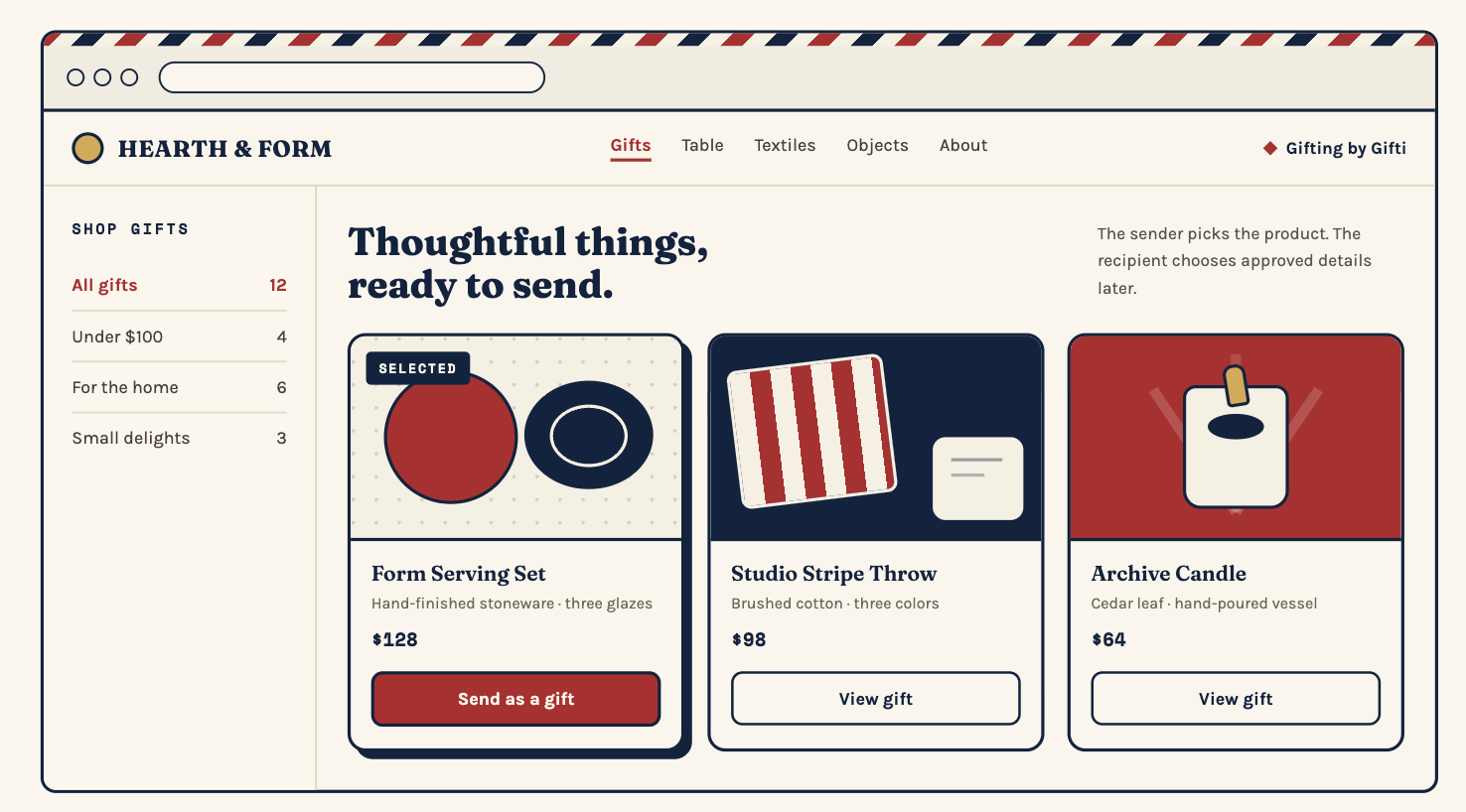
Form Serving Set · $128
Maya EllisonShipping addressWe'll ask them
Gift storefront for Shopify
PorchPost adds a gift storefront to your Shopify store. Customers pick a product and pay without needing a delivery address. The recipient adds their address and can choose a size or color if you offer those choices.
How it works
Your customer buys the gift. The recipient adds their details. Your team gets the order ready to ship.
They pick a product, add a gift note, and pay through your Shopify checkout.
Sarah's gift to Maya
Form Serving Set · $128
They open their gift invitation and enter their delivery address. If you offer a choice of size or color, they pick it here. They don't see the price.
Maya's gift invitation
Form Serving Set
Choose your glaze
Choose a glaze and add your address.
Once the recipient finishes, your team gets the final product choice and delivery address in Shopify.
Hearth & Form · Gift order
Form Serving Set · Oat
A customer who loves your products might know someone else who would too. Give them a place to buy a gift and add a personal note.
Choose which products appear in your gift storefront so customers can browse what you offer and pick a gift.
Send customers from an email or seasonal campaign straight to the products they can give.
Share gift ideas for birthdays, housewarmings, and thank-yous throughout the year.
Use the products and checkout you already have in Shopify. PorchPost collects the recipient's choices and address, then your team fulfills the order in Shopify.
A page where customers can browse your products and buy one as a gift. They choose the product and pay. The recipient adds their address and, when you offer a choice, picks a size, color, or other detail.
Link to your gift storefront from your store, emails, or campaigns. Customers follow the link to browse the products you offer as gifts.
You decide for each product. You can let the recipient choose from the sizes, colors, or flavors you offer, or have the sender choose the exact item. The recipient adds their address in either case.
No. The recipient opens their private gift invitation and enters their own delivery address.
Yes. Your customer pays through your Shopify checkout, and your store makes the sale. Once the recipient adds their details, your team can fulfill the gift in Shopify.
A gift card lets someone choose what to buy later. With PorchPost, the sender buys a specific product for them. The recipient adds their address and makes any choices you allow. They don't see the price or go through checkout.
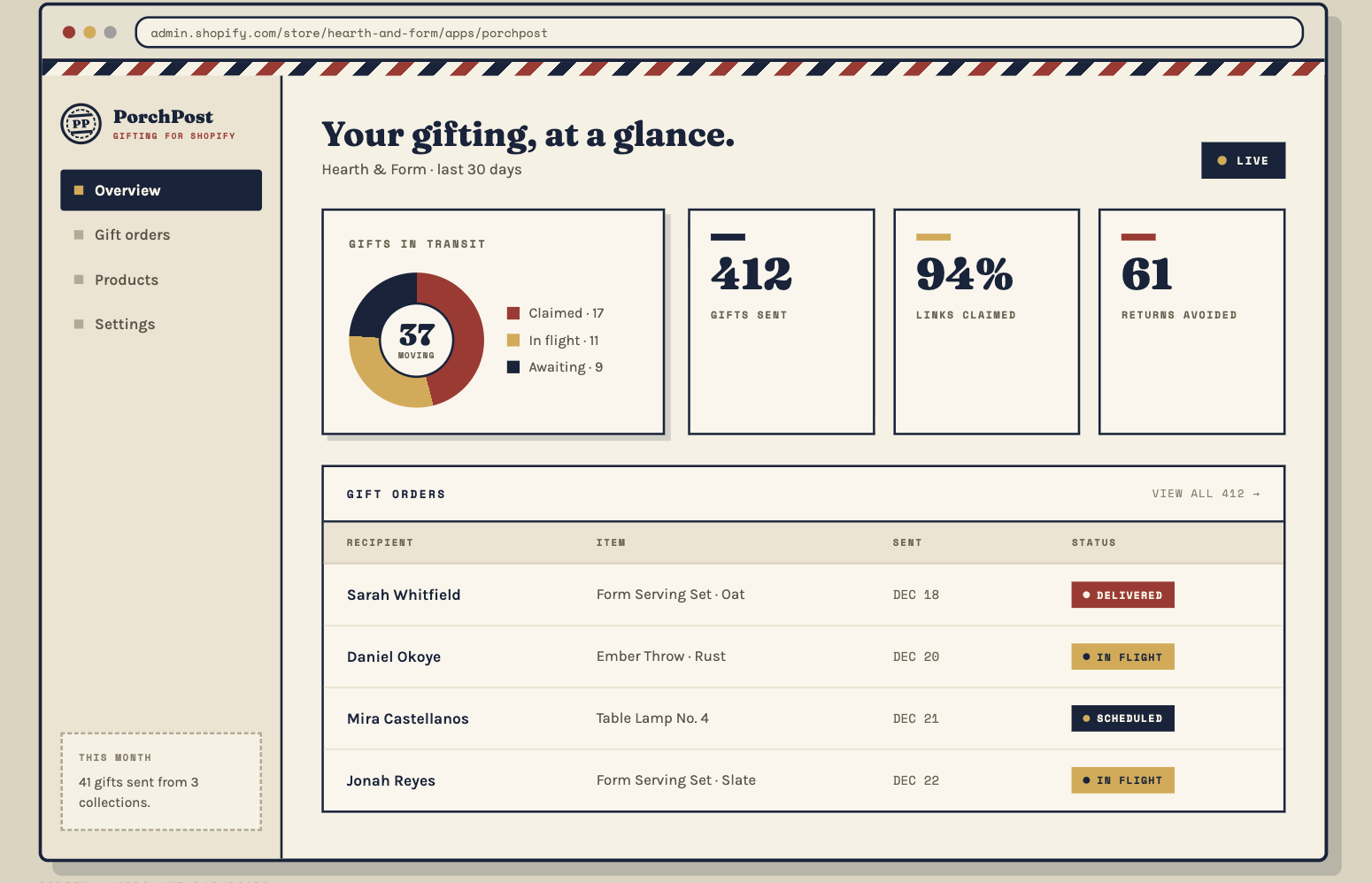
The gift waits until the recipient has added their address and made any required choices. You can check its progress in PorchPost. Your team fulfills it in Shopify once those details are complete.
PorchPost is in development. Public signup isn't open yet. We'll share pricing and availability before signup opens.
Explore PorchPost
Follow a gift from purchase to the order your team fulfills.
See how gifting works